Everyday prints
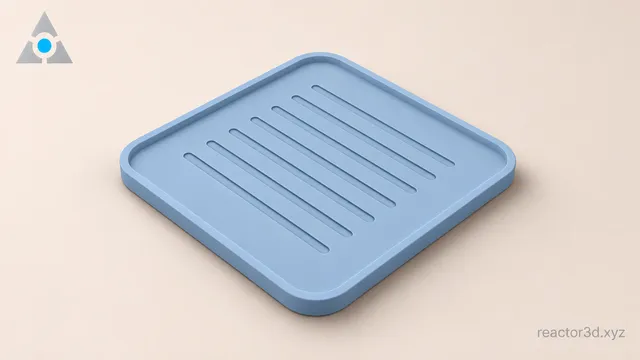
Design a 3D printed coaster
Model a rounded coaster with a recessed cup area and drainage grooves.
Learn to model everyday objects and functional parts in your browser with Reactor 3D.
Try it now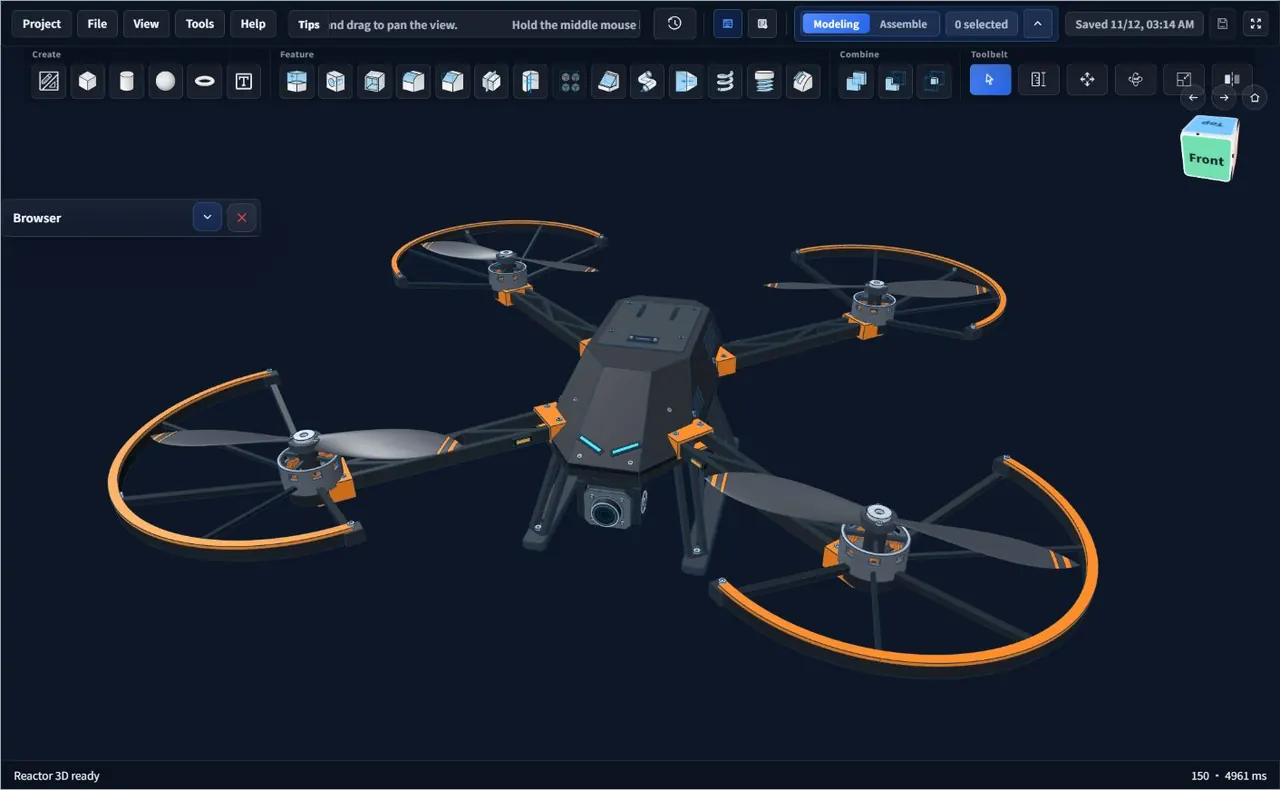
Everyday prints
Model a rounded coaster with a recessed cup area and drainage grooves.
Functional parts
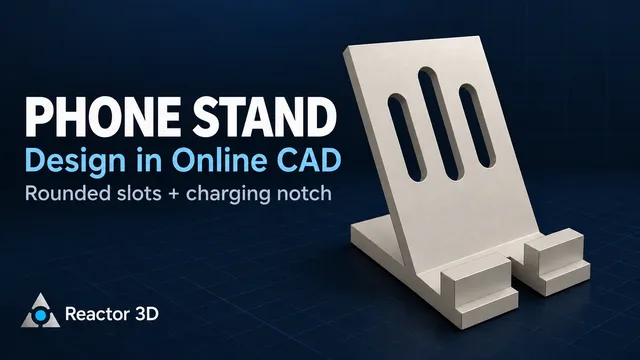
Build a 60° backrest with a front lip and an opening for a charging cable.
Mechanical design
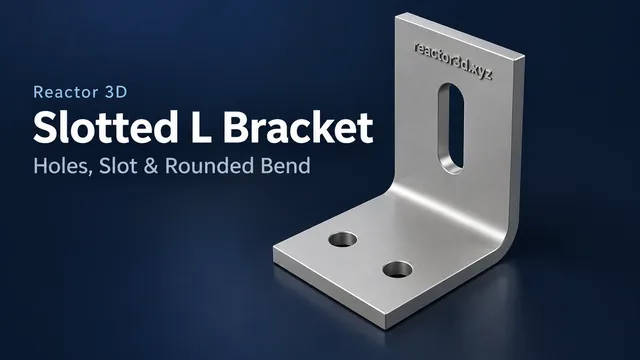
Lay out mounting holes, cut an adjustment slot, and round the bend.
Start with a 30 mm washer. The same sketch works for spacers and mounting rings.
Read the walkthrough